 PresentSync
How to control PowerPoint from your iPhone
Install PresentSync on your iPhone and on the presentation computer, scan two QR codes, and your iPhone changes slides and points.
You need: PresentSync on your iPhone, the PresentSync desktop app on the presentation computer (Windows 10 or macOS 13 and later), and the same local network.
- Phone
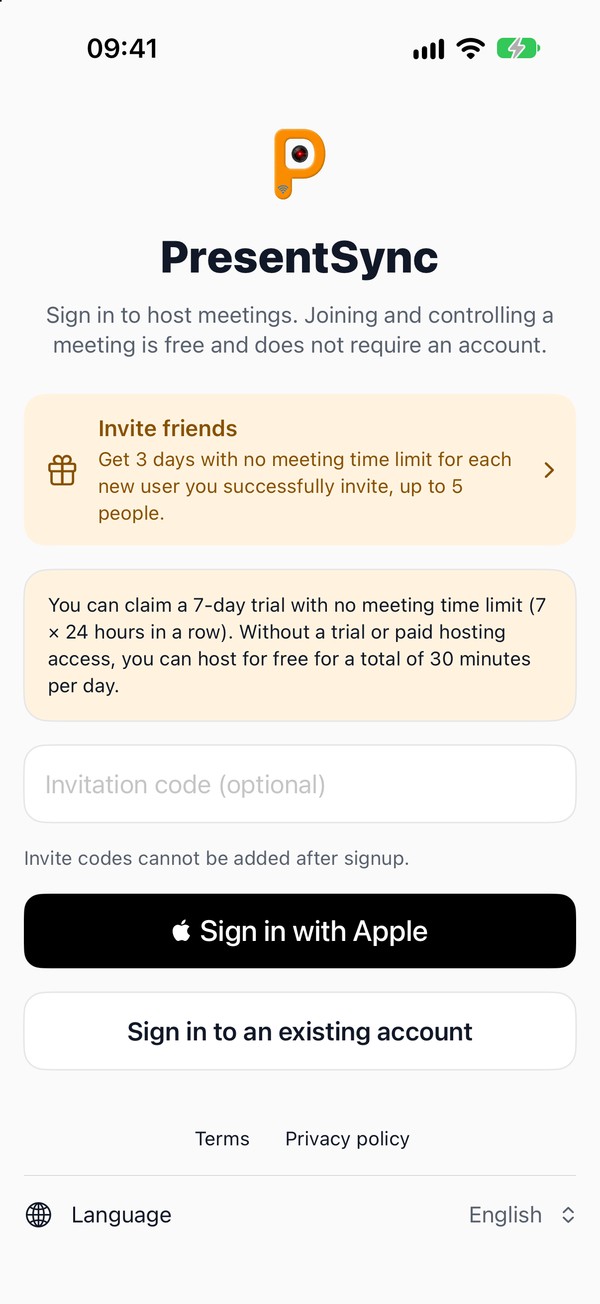
Install from the App Store and sign in
Sign in on your iPhone to host a meeting. If you are joining someone else’s meeting, open Join Meeting and scan the QR code on their computer. You can join without an account.
- Computer
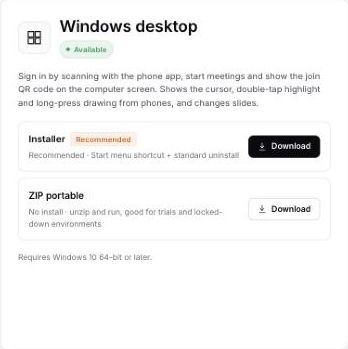
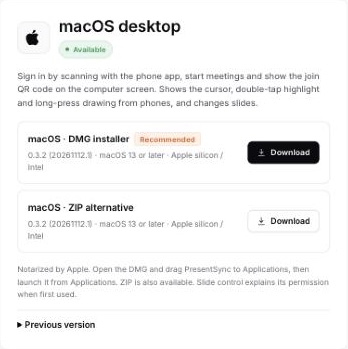
Download the desktop app on the presentation computer
In a browser on that computer, open presentsync.net/download.html. On Windows, click Download next to Installer; on a Mac, click Download next to macOS · DMG installer. Requires Windows 10 (64-bit) or macOS 13 and later.Can’t install software on that PC? On Windows, choose ZIP portable, unzip it and run it.
- Computer
Install and open the desktop app
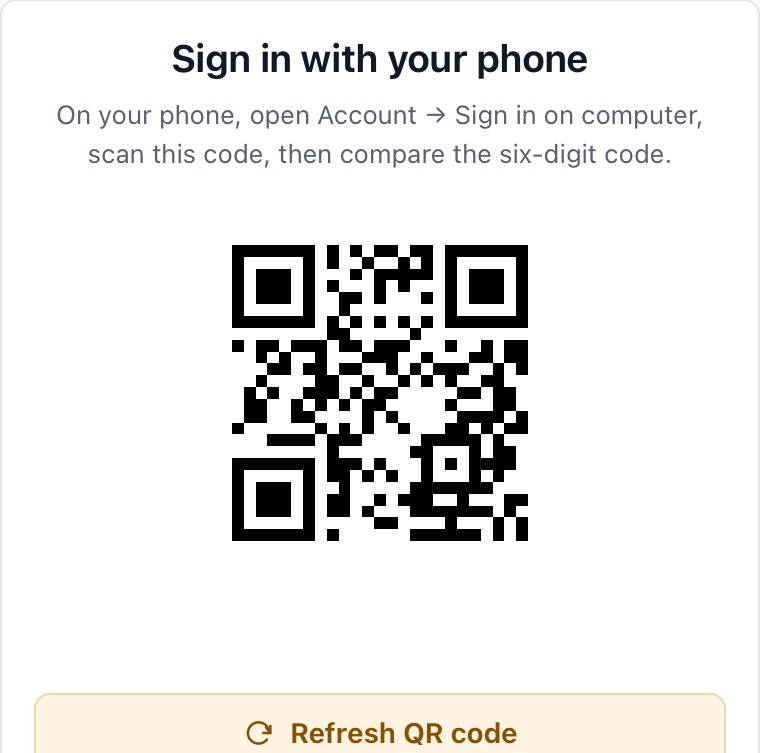
Windows: run the installer and click Next until it finishes; if Windows Firewall asks, click Allow access. Mac: open the DMG, drag PresentSync to Applications and open it from there; if macOS says it was downloaded from the internet, click Open. The app opens with a sign-in QR code.Windows step by step · Mac step by step
- Phone
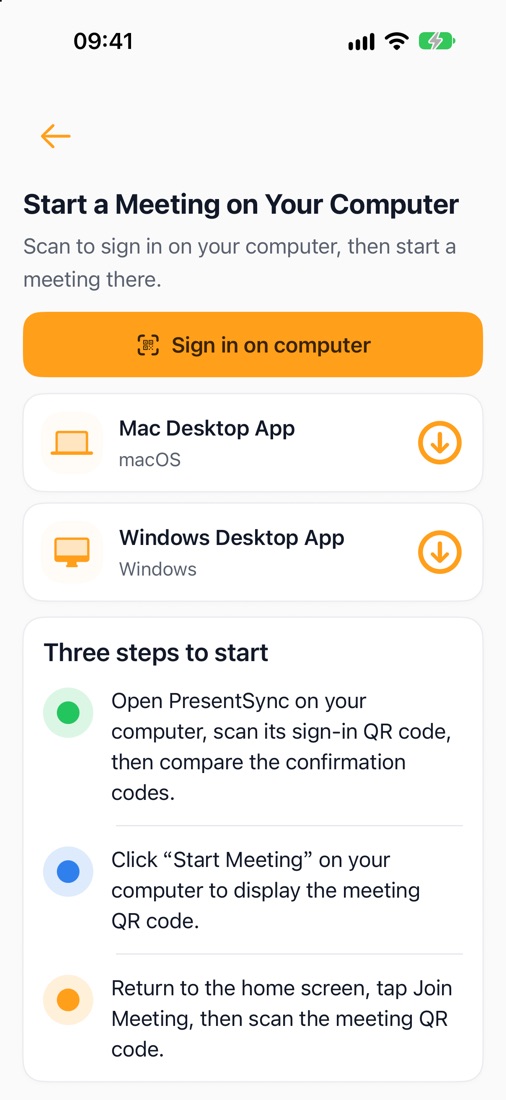
Tap Start Meeting, then Sign in on computer
Allow camera access when iPhone asks, then aim at the sign-in code on the computer.
- Phone
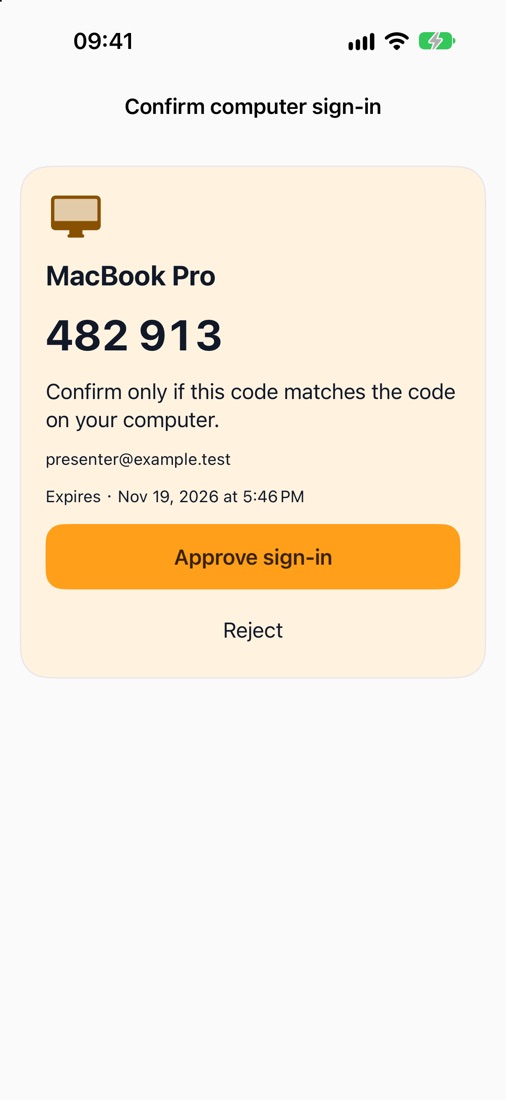
Check the code and tap Approve sign-in
Approve only if both codes match.
- Computer
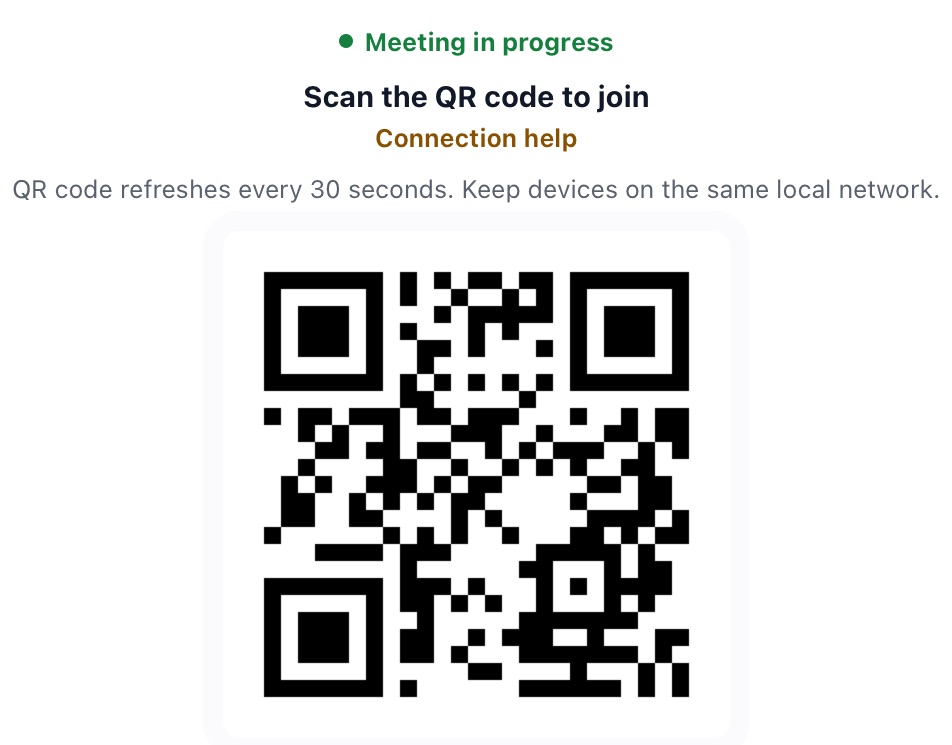
Click Start meeting on the computer
A large QR code appears in the meeting window. This is the meeting code.
- Phone
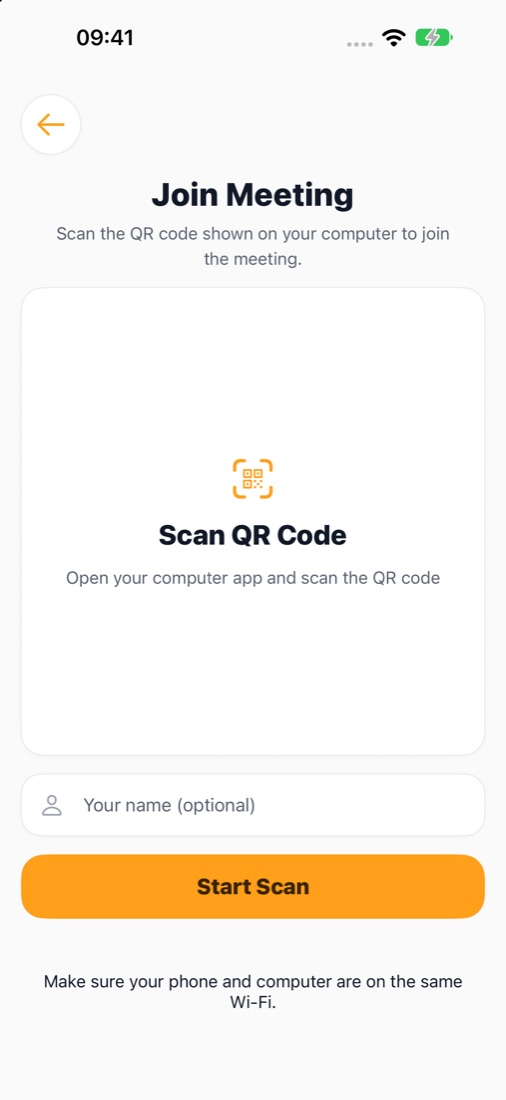
Go home, tap Join Meeting, then start the scanner
Aim at the meeting code. Allow Local Network access when iPhone asks, or it cannot connect.
- Phone
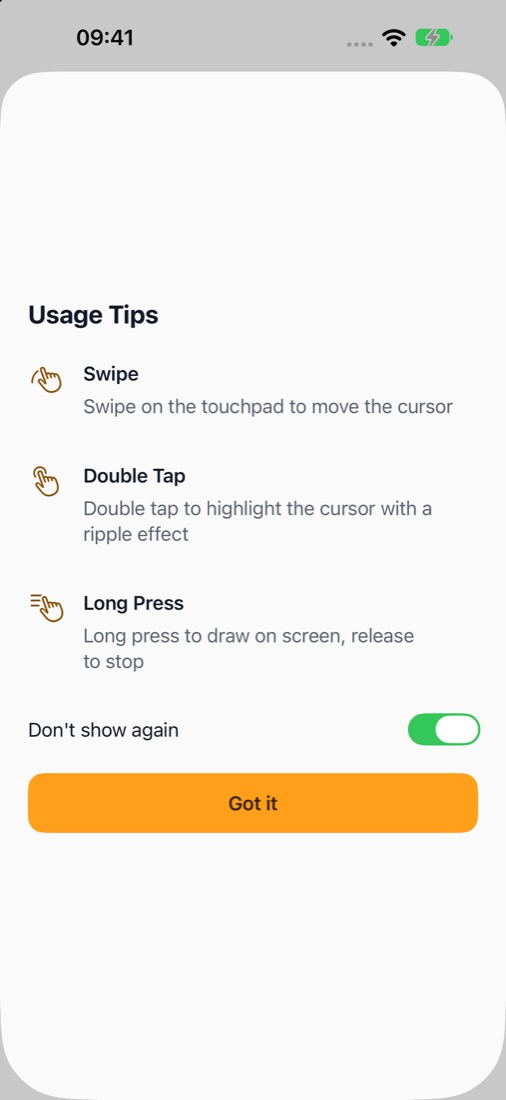
Learn the three gestures
Swipe to move the pointer, double-tap to highlight, long-press to draw.
- Phone
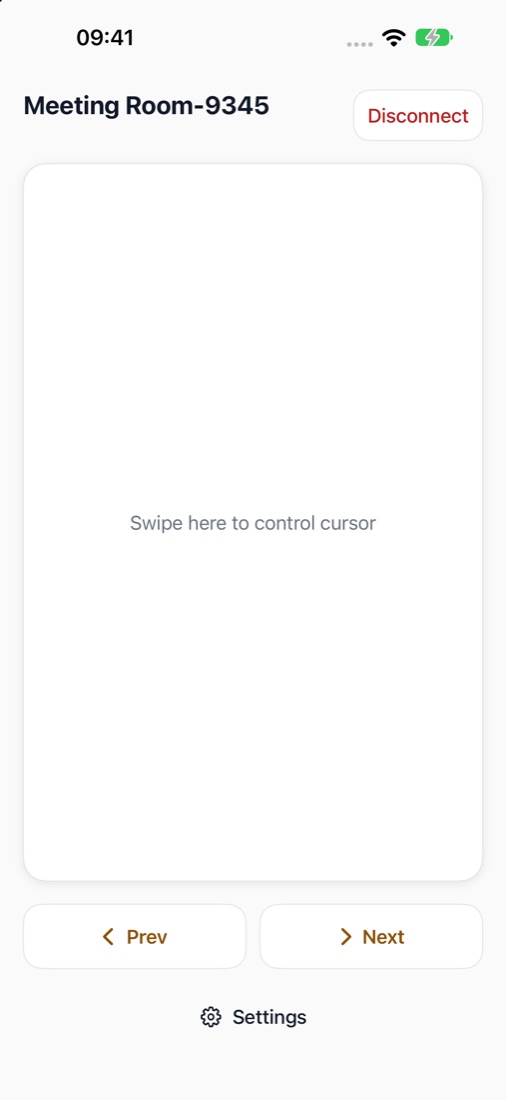
Start the PowerPoint slideshow and tap Next
Keep the slideshow window in front.
- Phone
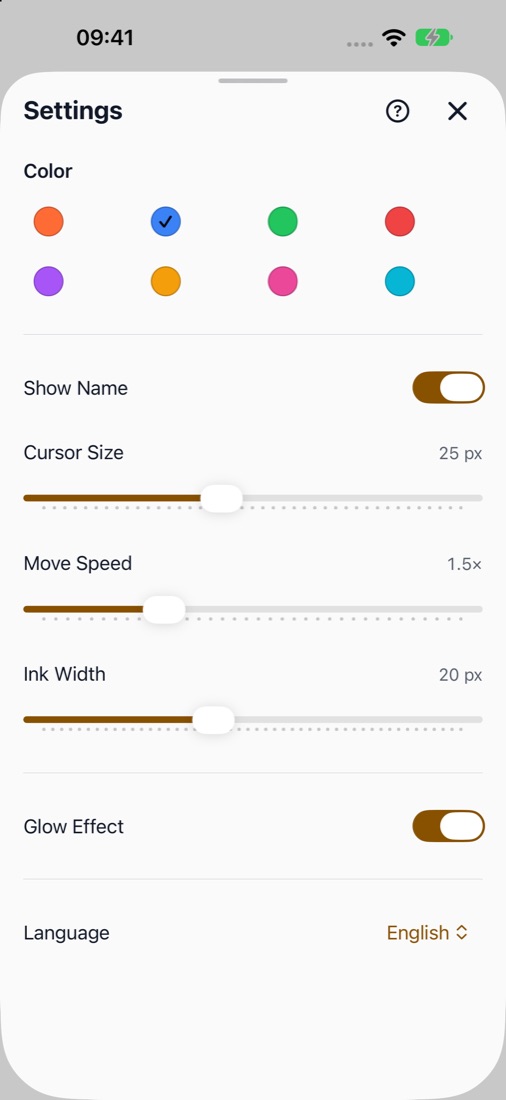
Adjust the pointer if needed
Tap Settings to change the color, pointer size and speed.
Common questions
Can I type a meeting code on iPhone?
No. On iPhone and iPad you join by scanning.
Scanned, but it won’t connect?
Check that Local Network is on in iPhone Settings → PresentSync, and that the iPhone and computer share the same Wi-Fi. Some guest Wi-Fi networks isolate devices.
What else can it control besides PowerPoint?
WPS Office, Google Slides, PDF presentations and Keynote on a Mac. See each app’s guide