Skip to content
PresentSync
Quick start
Guides
Features
Pricing
Support
English
English
简体中文
繁體中文
日本語
Español
Guides
Guides
Every guide is one step, one picture. Pick your situation.
Start here
Start or join a meeting
Sign in on the computer, start the meeting and scan its QR code with your phone.
By device
iPhone / iPad
Control PowerPoint from your iPhone.
Mac
Install, sign in and allow Accessibility.
Windows
Install, sign in and set up an extended display.
Android
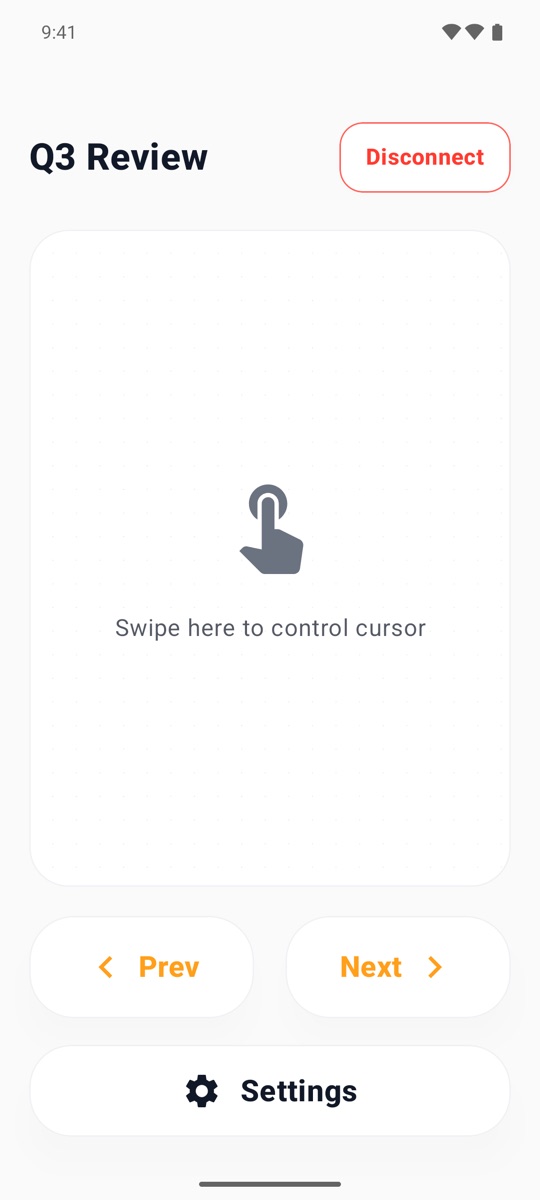
Scan the meeting QR code and change slides.
By presentation app
PowerPoint · Windows
Guide
PowerPoint · Mac
Guide
Keynote
Guide
Google Slides
Guide
WPS
Guide
PDF
Guide
Something not working?
Connection and slide troubleshooting
Support
Features
 PresentSync