 PresentSync
Features
Make every big-screen presentation easy to see, point at and discuss
PresentSync turns the phone into a presentation controller, so hosts and participants can interact around the same screen.
01 · Remote cursor
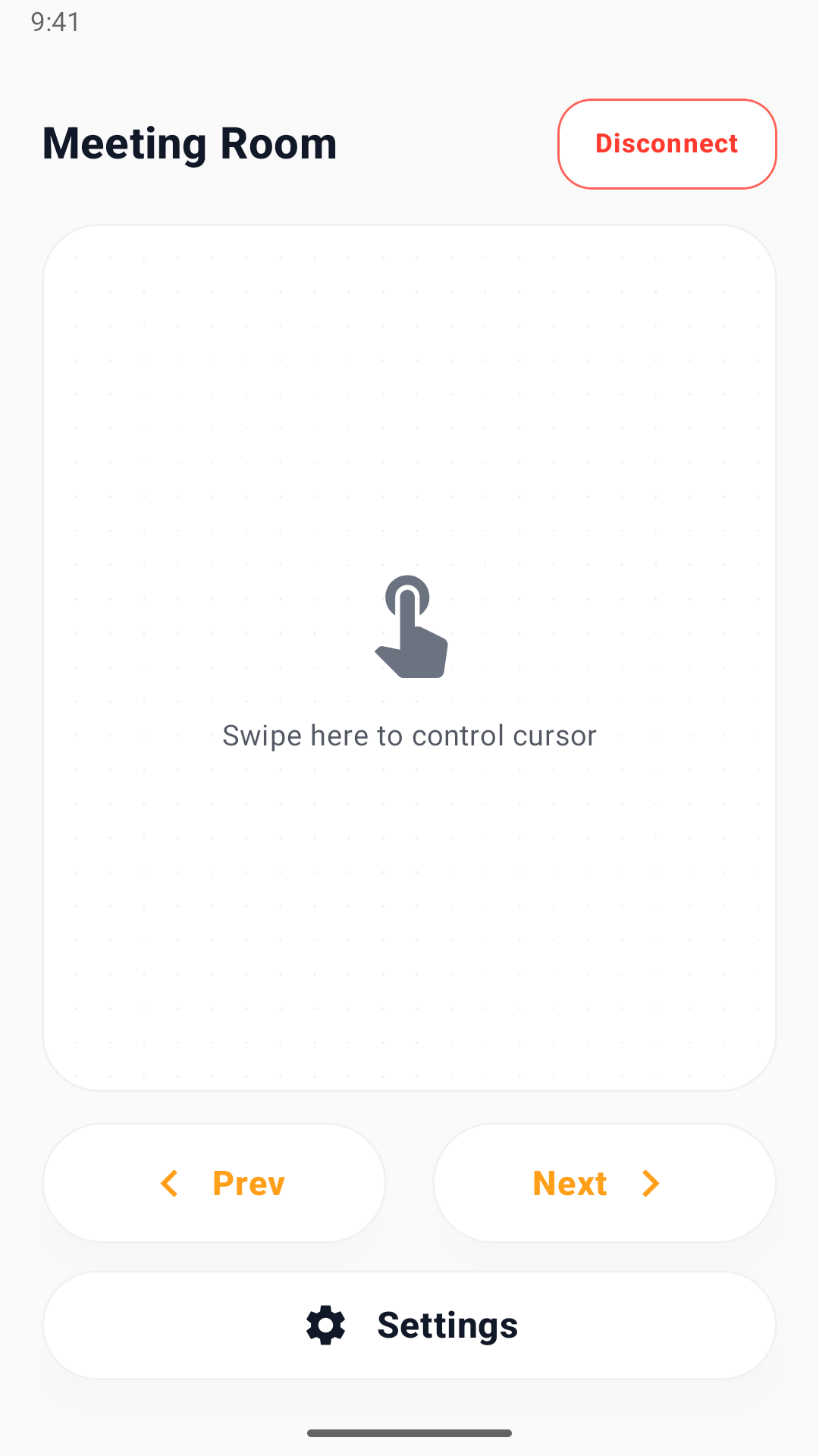
Point at the big screen from your phone
Don't walk back to the laptop or describe positions verbally — just point with your phone and bring attention to what matters.
- Low-latency tracking from finger or trackpad input
- Every participant gets their own cursor color
- Host can hand control back to the desktop anytime
手机视角
02 · Slide control
Advance naturally, without breaking pace
Step forward and back through your deck from your phone — no need to keep returning to the laptop.
- Move forward and backward
- Maps to common shortcut keys in popular presentation apps
- The desktop app is always the final source of truth
CURRENT DECK● Live
SLIDE 3 OF 12
What changed this quarter
+24% MRR
+18 partners
-12% churn
‹
Slide 3 / 12
›
03 · Multiple participants
Bring the room into your deck
Participants sign in on their phones and scan the meeting code. The host controls permission to use the cursor and slides.
- Sign in on your phone before scanning to join
- Host controls each participant’s permissions
- Participant cap adapts to your plan
PARTICIPANTS4 / 10
L
Linda Chen
主持人 · 控制 + 翻页
W
Wei Zhang
参与者 · 光标 + 翻页
J
Jordan Smith
参与者 · 光标 + 翻页
M
Maria Diaz
参与者 · 仅观看
分享会议二维码邀请更多人
+ 邀请04 · Account and access
Plan and entitlement at a glance
My account on your phone shows account status. Subscriptions shows Google Play offers. QR-authorized computers use the meeting access of the same mobile account.
- View your plan, status and expiry on your phone
- Daily time, max participants and concurrent sessions
- Manage Android subscriptions through Google Play
Ready to make live presentations feel natural?
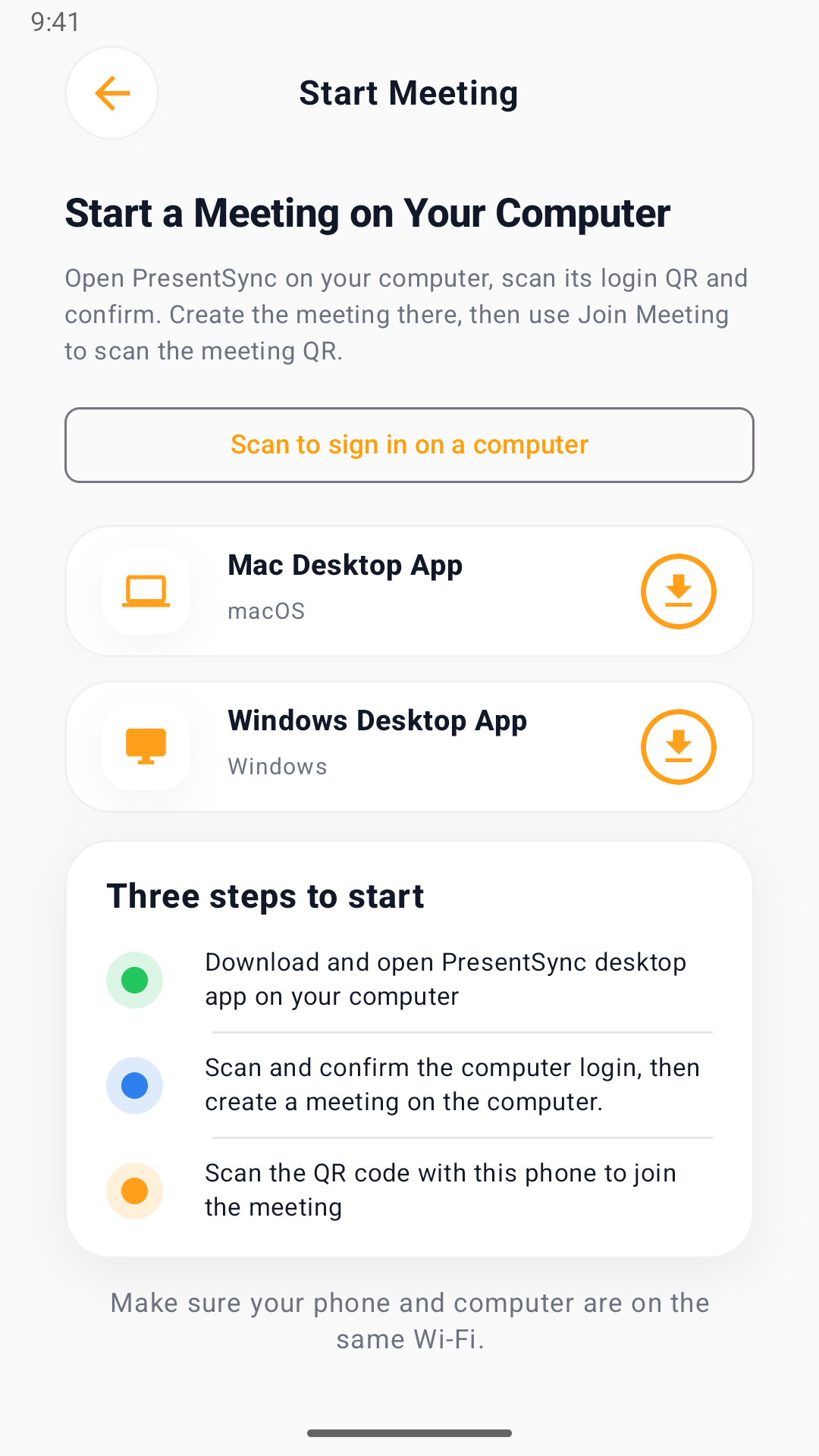
Sign in on your phone, authorize the desktop by QR code, then host a meeting and invite participants.