 PresentSync
Control your big-screen deck
from your phone
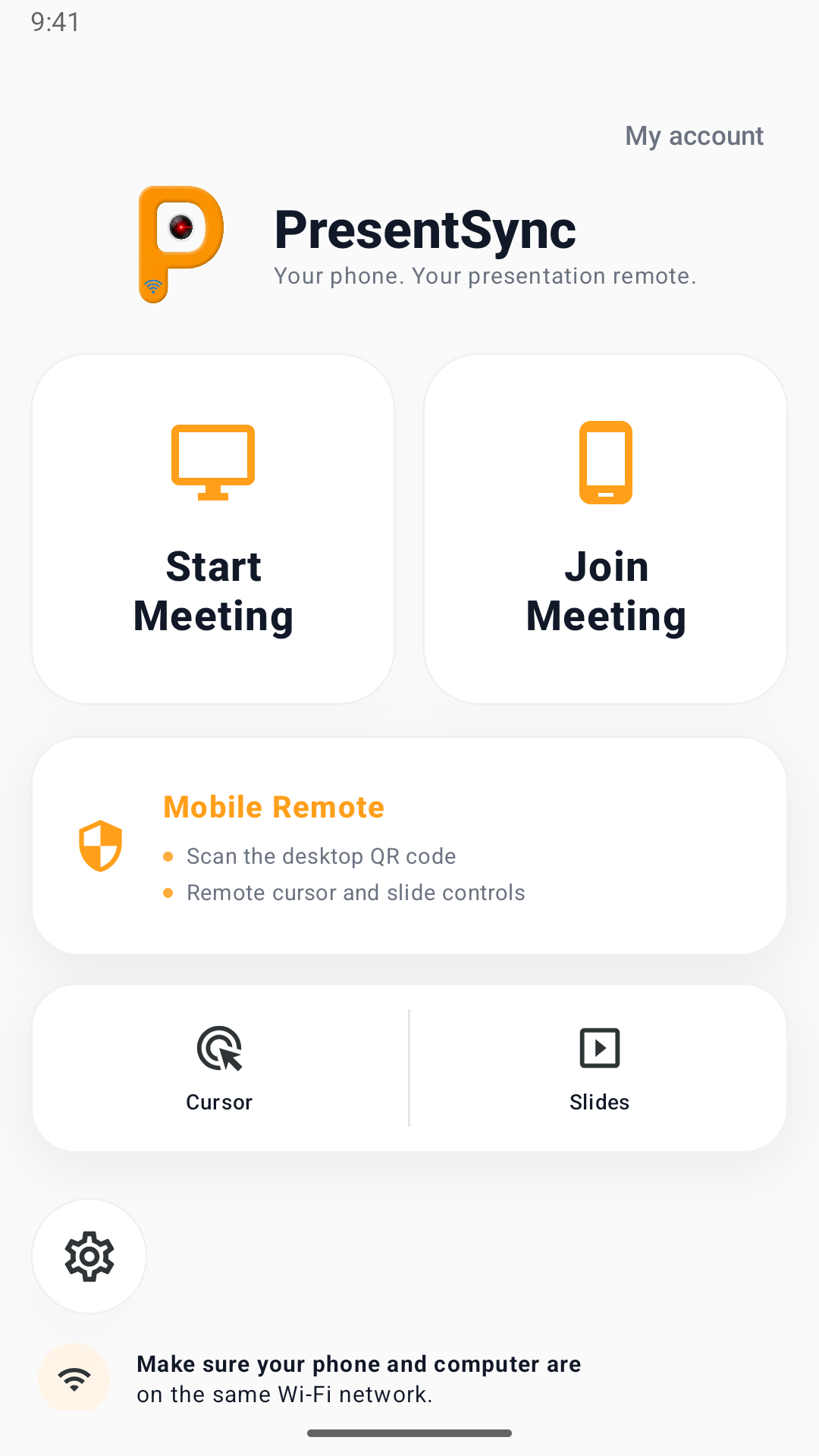
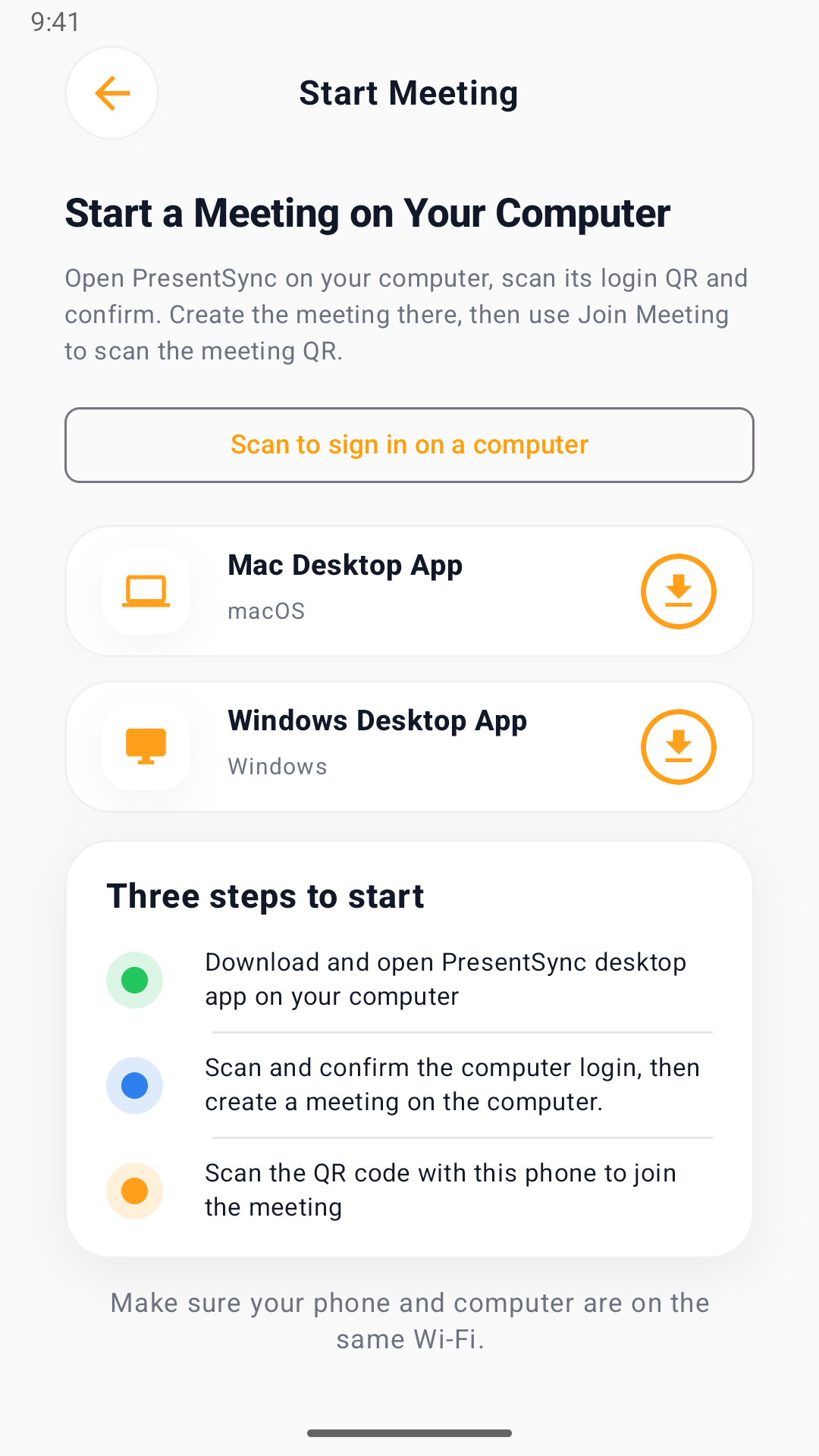
Sign up or sign in on your phone, then approve desktop sign-in by scanning its QR code. Create a meeting on the desktop; signed-in participants scan the meeting code to control the cursor and slides.
Sign in on your phone, host on your computer, scan to control
Sign in and authorize your computer
Create or sign in to your mobile account. Choose Scan to sign in on a computer, scan the desktop login code and approve it.
Create a desktop meeting
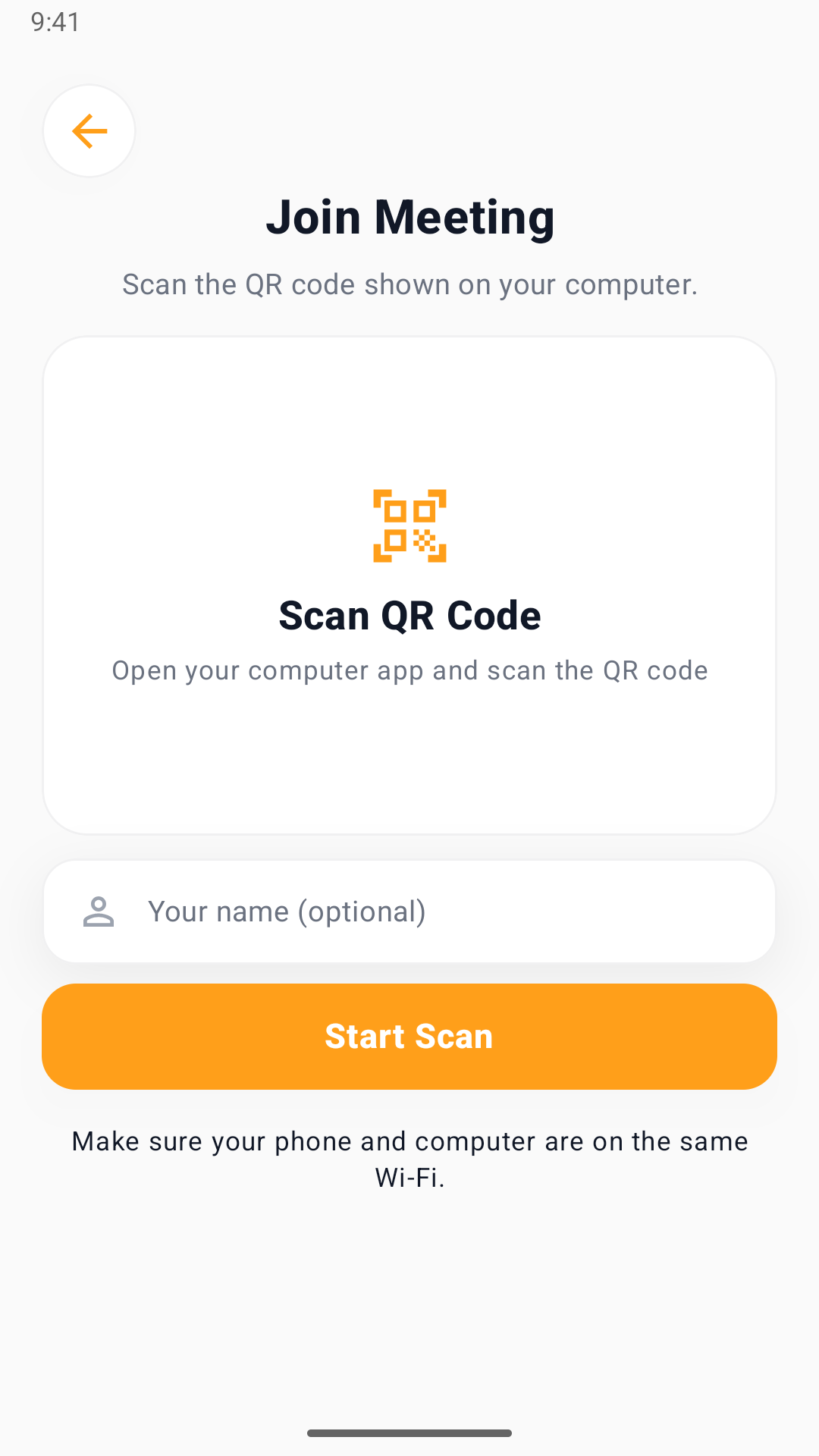
Start a meeting on the authorized computer. Participants sign in on their phones and scan the meeting QR code.
Point and advance slides
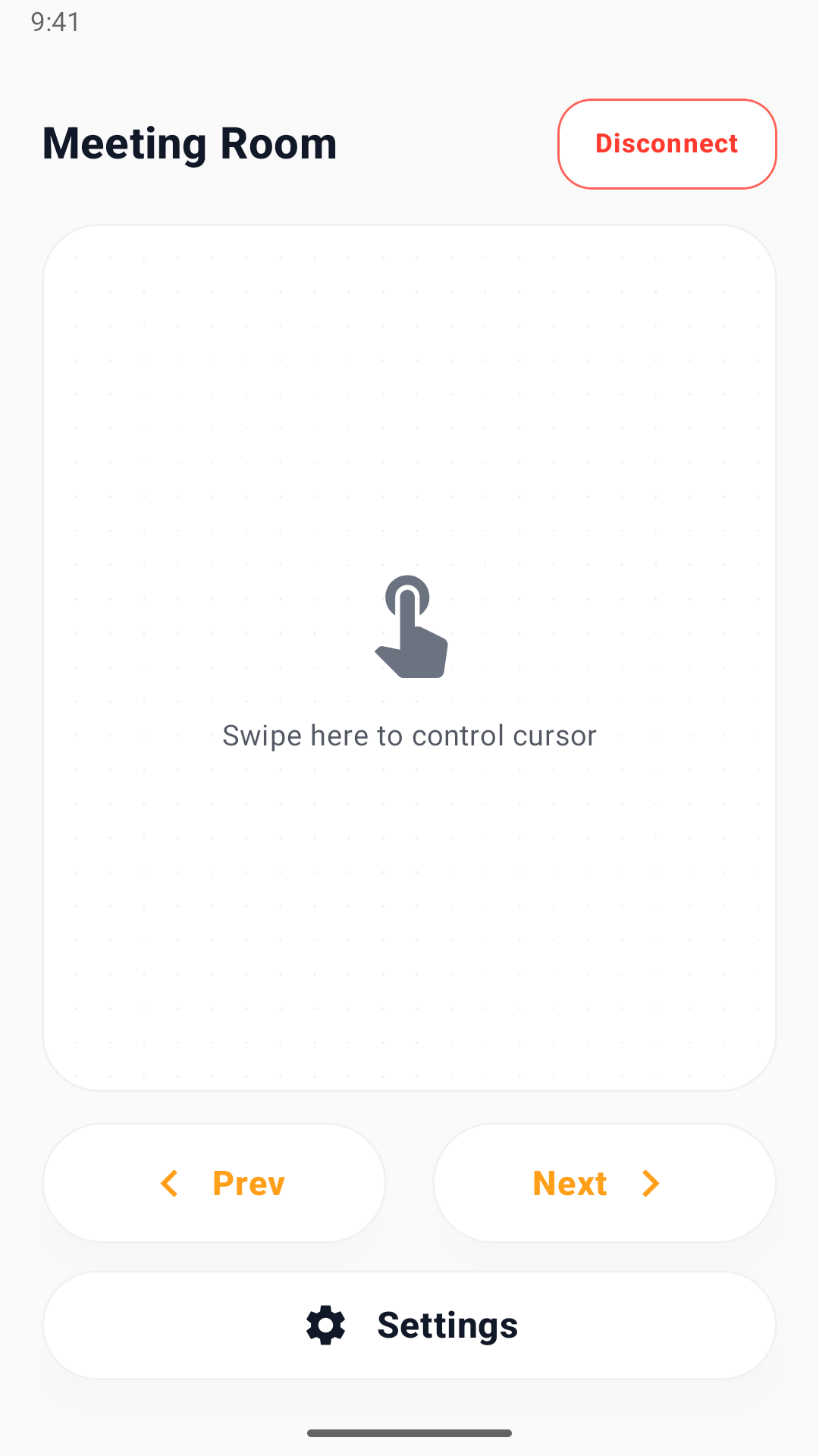
On the same network, control the on-screen cursor and move slides forward or backward.
A small set of clear tools, focused on what live presentations actually need
Remote cursor
Point to anything on the big screen — without walking back to the laptop.
Slide control
Advance and step back through your deck from your phone.
Multi-participant
Participants join by QR code and can interact within the permissions you set.
Current Android screens
Designed for live presentations — not video conferencing
Boardroom updates
Point at key numbers from your seat, no need to walk to the laptop.
Classrooms
Walk among students and point out key details in your slides.
Training
Point to a workflow as you explain it and advance slides from your phone.
Design review
Reviewers use their phones to point out details and focus the discussion.
PresentSync at a glance
- What is PresentSync?
- PresentSync turns your phone into a presentation remote. Use a remote cursor, move slides forward or backward, and let multiple participants join a desktop meeting.
- What do I need to get started?
- Install PresentSync on your Android phone and Windows computer. Register or sign in on the phone, scan to authorize the desktop, then create a meeting. Phones and the host computer need the same network.
- What is included for free?
- Free hosting supports up to 5 connected devices, 1 meeting and 30 minutes of hosting per day. Personal supports 5 devices and 1 meeting without the daily time limit. Pro supports 10 devices and 2 meetings without the daily time limit.
- Where do I download and subscribe?
- Android is available on Google Play and Windows installers are on this website. An iOS App Store listing is also available; feature availability may differ. macOS downloads are not yet open. Android subscriptions are purchased in the app through Google Play; the desktop uses the same account access.
Start with your mobile account
Your phone manages account access. Scan to authorize your desktop. A 7-day trial can start when you first host a meeting.